Short answer: the best place to start with AI automation is a repetitive, high-volume task with clear rules and a measurable result, such as answering common customer questions, reading documents into your systems, or drafting routine replies. Keep a person in the loop for important decisions, measure accuracy before scaling, and expand from there.
Generative AI has made automation possible for tasks that used to need a human to read, write or decide. But not every task is a good candidate, and the businesses that get value from AI are the ones that start small, measure carefully and build on what works. This guide covers practical use cases, how to choose your first one, and how to roll it out safely.
AI automation vs traditional automation
| Traditional automation | AI automation | |
|---|---|---|
| Works with | Structured data and fixed rules | Unstructured text, documents, images and conversation |
| Example | "When an invoice is paid, mark the order as complete" | "Read this e-mail, work out what the customer wants, and draft a reply" |
| Strength | Predictable, exact | Flexible, handles variation |
| Risk | Breaks when the input changes | Can produce confident but wrong output |
The most effective systems combine both: AI interprets messy inputs, and traditional rules and integrations act on the result.
10 practical AI automation use cases
Customer service
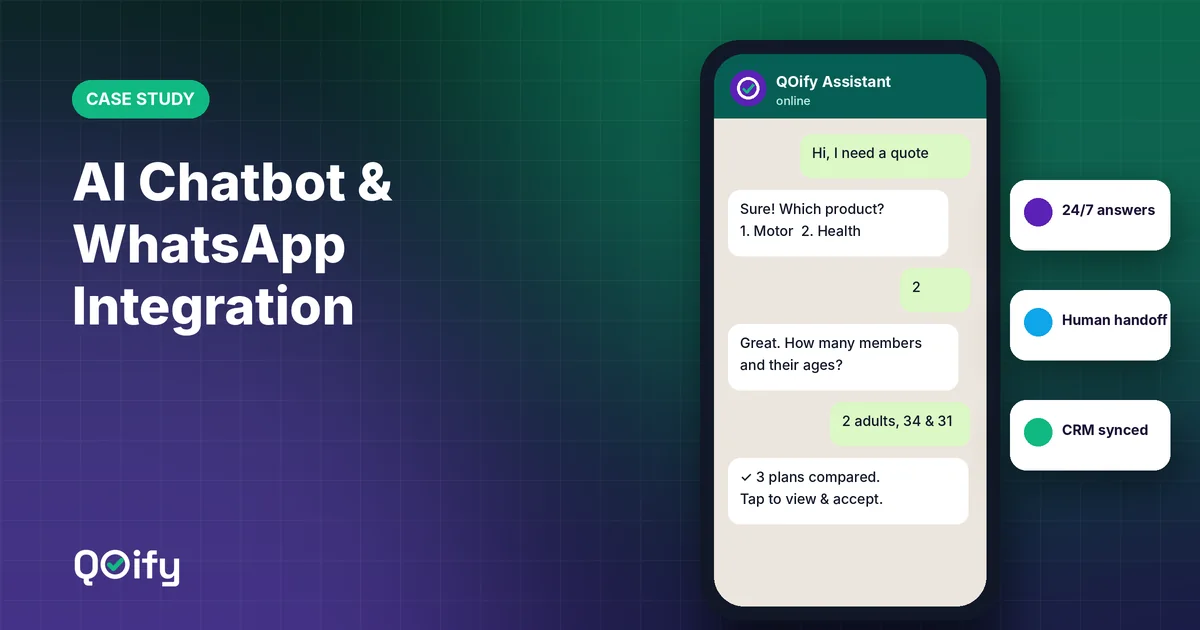
1. AI assistants for website and WhatsApp. Answer common questions instantly, 24/7, using your own documents, with handover to a person when needed.
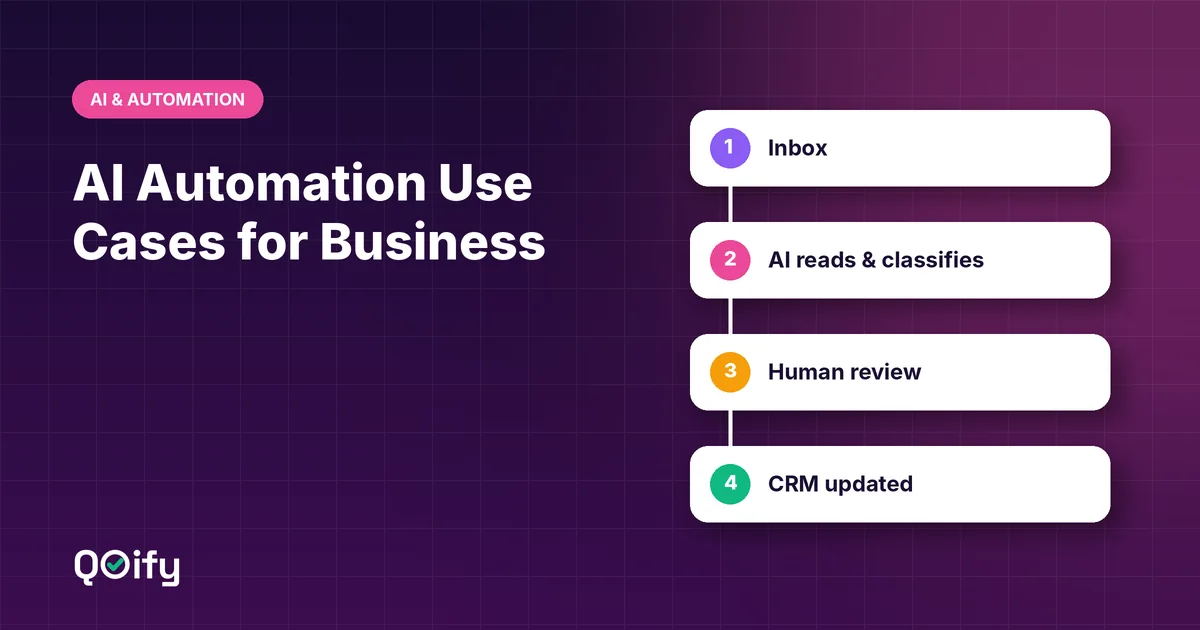
2. Ticket and e-mail triage. Classify incoming messages by topic, urgency and language, route them to the right team, and suggest replies.
Sales and marketing
3. Lead qualification. Ask a few natural questions, capture requirements and contact details, and create a lead in your CRM with a summary for the salesperson.
4. Content drafting. Produce first drafts of product descriptions, proposals, social posts and newsletters for a person to edit and approve.
Operations
5. Document processing. Extract data from invoices, purchase orders, IDs, contracts and forms straight into your systems, flagging anything uncertain for review.
6. Meeting and call summaries. Turn recordings or notes into summaries, decisions and action items.
7. Internal knowledge assistant. Let staff ask questions about policies, procedures and product details and get answers with links to the source.
Finance and administration
8. Invoice matching and reconciliation. Match statements, invoices and payments, and highlight differences for a person to resolve.
9. Report generation. Turn data into readable weekly or monthly summaries with key changes explained in plain language.
Software and IT
10. Developer and IT support. Help teams write tests and documentation, review code, and answer common IT questions.
How to choose your first use case
Score each candidate from 1 to 5 on these questions and start with the highest total:
| Question | Why it matters |
|---|---|
| Is it high volume? | More repetitions mean more time saved |
| Is it repetitive and well understood? | Clear patterns are easier to automate reliably |
| Is the risk of a mistake low, or easy to catch? | Start where errors are cheap and visible |
| Do you have the information it needs? | AI is only as good as the documents and data it can use |
| Can you measure success? | Time saved, response time, accuracy or conversion |
Customer FAQs and document data entry often score highest, which is why they are common first projects.
A safe rollout in five steps
- Map the current process. Write down each step, the inputs and outputs, and how long it takes today.
- Prepare the knowledge and data. Collect and clean the documents, FAQs and examples the AI will rely on.
- Build a small pilot. Automate one part of the process, with a person reviewing outputs.
- Measure against a test set. Use real examples with known correct answers to check accuracy before going live.
- Expand gradually. Reduce manual review only where results are consistently good, and keep monitoring.
Keeping AI reliable
AI systems can produce plausible but incorrect output, often called hallucinations. To keep quality high:
- Ground answers in your own data using retrieval-augmented generation (RAG), so the AI answers from approved documents.
- Require sources and show them to users or reviewers.
- Let the AI say "I don't know" and hand over to a person.
- Use tools for facts and numbers, such as database lookups and calculators, rather than relying on the model's memory.
- Keep humans in the loop for decisions that affect money, health, legal matters or customers' rights.
- Protect data with access controls, and send AI providers only the information they need.
Measuring return on investment
Track a small set of numbers before and after the change:
- Hours spent on the task each week
- Response or turnaround time
- Accuracy or error rate
- Volume handled without human involvement
- Customer satisfaction or conversion rate
Compare the time saved with the cost of building and running the automation, including model usage, hosting and maintenance.
Common mistakes
- Starting with the most complex process instead of a simple, high-volume one
- Skipping evaluation and discovering errors in front of customers
- Automating a broken process. Fix the process first, then automate it.
- No owner. Someone must review results and keep the knowledge base current.
- Ignoring change management. Explain to staff how the tool helps them and how their work changes.
Conclusion
AI automation delivers the most value when it removes repetitive work from people's days while keeping them in control of what matters. Pick one high-volume task, ground the AI in your own information, measure accuracy before you scale, and build from proven results. Small, well-chosen wins create the confidence and the data to automate more.