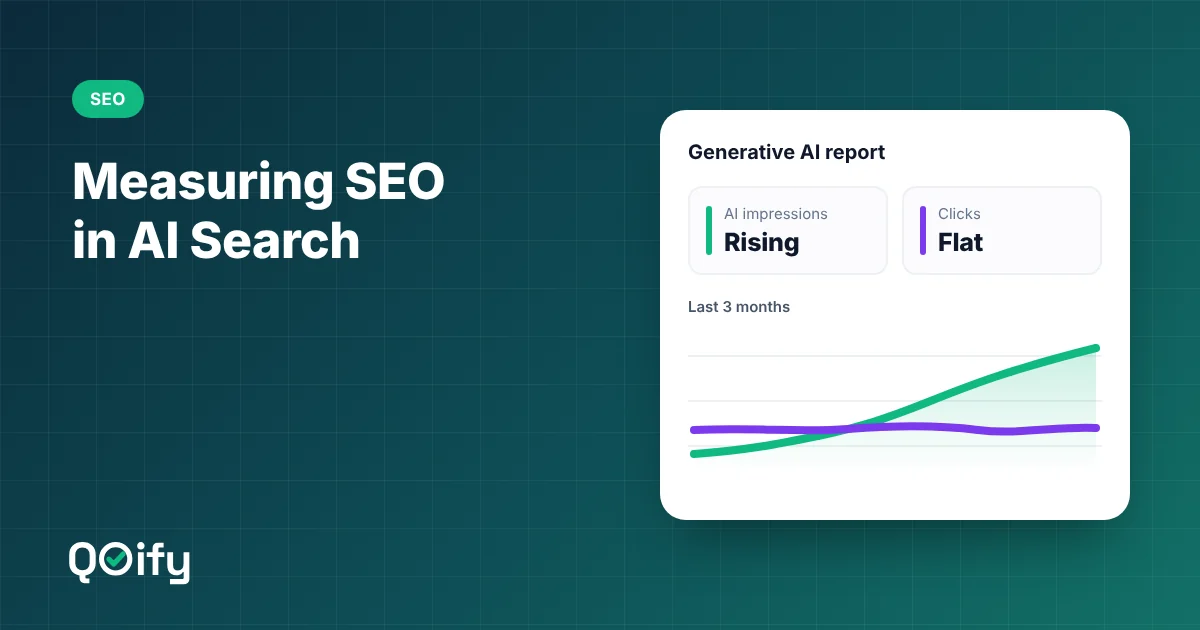
Your Search Console graph shows impressions climbing while clicks stay flat, and someone in the meeting asks whether SEO is still working. In 2026 that question has a better answer than it used to. Measure AI-era search with three sources together: Search Console's Performance report for clicks and queries, its newer generative AI report for impressions inside AI Overviews and AI Mode, and your analytics plus a fixed list of tracked questions for citations and conversions. No single dashboard shows the whole picture, but the three together do.
This playbook explains what each source can and cannot tell you, gives you five numbers to report every month, and shows how to turn the data into content improvements.
What changed in Search Console in 2026?
For most of 2024 and 2025, activity in Google's AI features was counted inside the normal Web search totals in the Performance report. AI Overviews, AI Mode, featured snippets and classic blue links were all mixed together, with no way to separate them.
In June 2026, Google began rolling out dedicated Search generative AI performance reports in Search Console. Based on Google's announcement and early hands-on coverage, here is what they include:
| Generative AI report | Main Performance report | |
|---|---|---|
| Surfaces covered | AI Overviews and AI Mode together (Discover has its own separate AI report) | All Google Search results, including AI features |
| Metrics | Impressions only | Clicks, impressions, CTR, average position |
| Dimensions | Page, country, device, date | Query, page, country, device, search appearance, date |
| Queries shown? | No | Yes |
| AI Overviews vs AI Mode split? | No, they are combined | No |
| History | Starts from mid-May 2026 | Up to 16 months |
Three practical consequences follow:
- You can finally see which pages appear in AI answers. That is new, first-party evidence you did not have before.
- You still cannot see the questions that triggered them. You have to infer them from the page's topic and the queries it receives in the main report.
- Clicks from AI features are not separated. They stay inside the ordinary Web clicks in the Performance report.
The rollout is gradual. If you don't see the report yet, your property may simply not have it.
Which question does each data source answer?
Before building a dashboard, decide which question each tool is responsible for. Most reporting confusion comes from asking one tool to answer everything.
| Question you need to answer | Best source |
|---|---|
| Are we visible in Google at all? | Search Console – Performance (impressions) |
| Do our pages appear inside AI Overviews / AI Mode? | Search Console – Generative AI report |
| Which searches bring people to us? | Search Console – Performance (queries) |
| Do people click through? | Search Console – Performance (clicks, CTR) |
| Do ChatGPT, Perplexity, Gemini or Copilot send visitors? | Analytics (referral traffic) |
| Do AI assistants mention or cite us? | Your own tracked-question checks |
| Does any of this turn into revenue? | Analytics + CRM (conversions, leads, sales) |
The five numbers to report every month
Long SEO reports often contain forty charts and no conclusion. These five numbers give leadership a clear story, and each one points to a specific action.
1. Search reach
Total Web impressions from the Performance report, compared with the previous month and the same month last year. This is still the broadest signal of whether Google considers your content relevant.
2. AI impression share
The share of your impressions that happen inside generative AI features:
AI impression share = AI feature impressions ÷ total Web impressions × 100
For example, if a guide earned 12,000 Web impressions in a month and 4,000 of them came from AI features, its AI impression share is about 33%. Calculate it per page as well as for the whole site. A rising share tells you Google is using your content to build answers, even if clicks don't rise with it.
Keep the date ranges identical for both reports. Remember that the generative AI report only has data from mid-May 2026 onwards.
3. Click efficiency
CTR by page, compared with that page's own history, not with a generic industry benchmark. When an AI answer appears above the results, CTR for that query often falls even if your position is unchanged. Tracking each page against itself shows what has really changed.
4. Citation rate
The percentage of your tracked questions where an AI assistant cites or links to your website:
Citation rate = questions where you are cited ÷ questions checked × 100
This is a metric you define and own. Google doesn't provide it, and it only means something if you check the same questions in the same way every month (more on this below).
5. Search-driven outcomes
Leads, sign-ups or sales from organic search and AI referrals. This is the number that justifies the investment. Visibility that never turns into business value is a vanity metric.
How to read the patterns
The numbers are useful when you read them together. These are the combinations we see most often, and what to do about each.
| What you see | What it probably means | What to do |
|---|---|---|
| AI impressions up, clicks flat | Google uses your content in answers, but the answer satisfies users without a click | Add depth the summary can't hold: tools, templates, examples, original data. Strengthen the next step on the page |
| High impressions, low CTR on question queries | Your page appears but doesn't look like the best answer in the results | Rewrite the title and meta description around the exact question. Put a direct answer at the top |
| Page gets AI impressions but no AI referrals | You are visible in Google's AI features but not in other assistants | Check that AI crawlers can reach the page, and build mentions on trusted third-party sites |
| Branded search impressions rising | People discover you elsewhere (often in AI answers) and then search your name | Make sure brand searches land on strong pages: About, services, case studies |
| AI referral visits convert well | AI assistants send small numbers of high-intent visitors | Find the landing pages they reach and create more content in the same style |
| Impressions falling site-wide | A technical or quality problem, not just AI | Check indexing, Core Web Vitals and recent site changes before blaming AI |
Find the questions your audience is asking
Search Console's Performance report supports regular expression (regex) filters. With them, you can pull out conversational queries, the same style of question people type into AI search.
In Performance → Search results → + Add filter → Query → Custom (regex), try:
(?i)^(what|why|how|when|where|which|who|can|should|is|are|does|do)\b
That shows queries that start with a question word. The (?i) makes the match case-insensitive. For comparison queries, use:
(?i)\b(vs|versus|difference|compare|alternatives?)\b
Sort by impressions and export the results. You now have a list of real questions where Google already sees your site as a candidate answer. That makes them some of the cheapest wins available.
Turn query data into better content
Use the export to decide whether to improve an existing page or create a new one. Most of the time, improving wins.
- Group queries by intent, not wording. "How to measure AI visibility", "track AI Overview traffic" and "AI search reporting" usually want the same answer. One strong page beats three thin ones.
- Check whether the ranking page actually answers the question. If a page earns impressions for a question it only mentions in passing, add a dedicated section with a heading phrased as that question.
- Answer first, then explain. Put a clear one or two sentence answer directly under the heading, then add steps, examples and evidence. This is the core of Generative Engine Optimization.
- Add something only you can say. First-hand results, screenshots, project data and named experts give both readers and AI systems a reason to cite you instead of a competitor.
- Link related pages together, so search engines understand the topic and readers can go deeper.
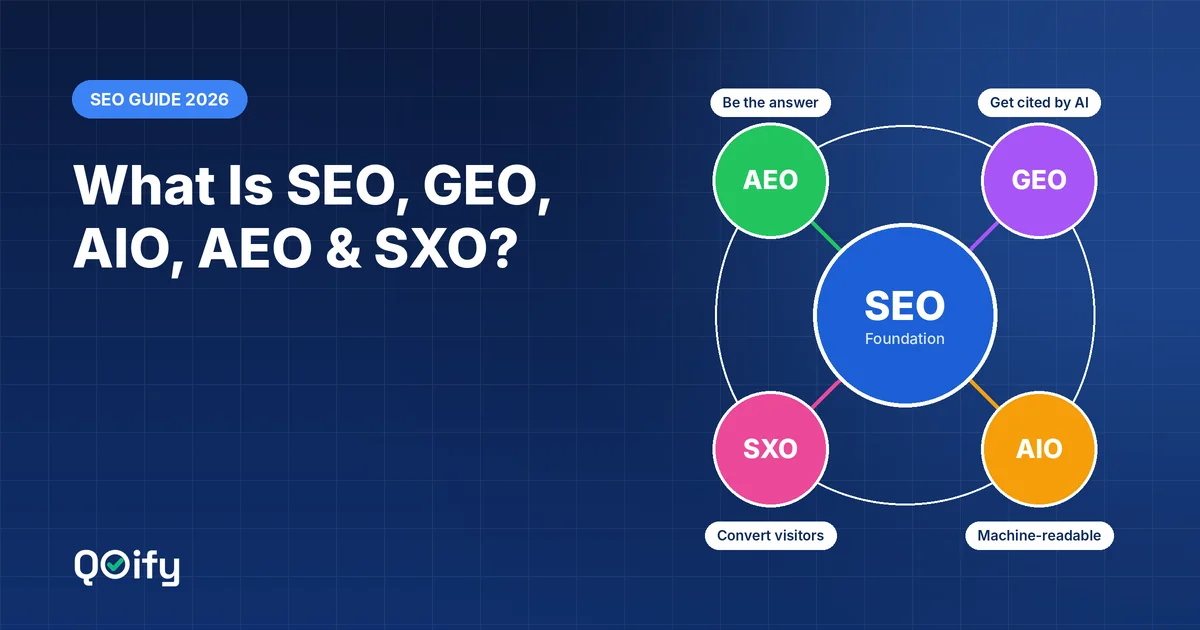
For the bigger picture of how these disciplines fit together, see our guide to SEO, GEO, AIO, AEO and SXO.
Track AI referrals in Google Analytics 4
Visits from AI assistants often arrive as ordinary referral traffic and get lost among other sources. In GA4, create a custom channel group with a channel called AI assistants. Match it when the session source matches a regex such as:
chatgpt\.com|chat\.openai\.com|perplexity\.ai|gemini\.google\.com|copilot\.microsoft\.com|claude\.ai
Place it above the default Referral channel so it takes priority. Then compare engaged sessions and conversions against organic search.
Two caveats:
- Visits from Google's own AI Overviews and AI Mode appear as Google organic traffic, not as a separate referral. Use the Search Console report for those.
- Some AI apps don't pass referral information at all, so this channel undercounts. Treat it as a trend line rather than an exact total.
Build a simple citation tracker
Commercial AI-visibility tools exist, but a spreadsheet works well when you are starting out.
- Pick 20–50 questions your customers genuinely ask, taken from your sales calls, support tickets and the regex export above.
- Choose the assistants that matter in your market, for example Google AI Mode, ChatGPT, Perplexity, Gemini and Copilot.
- Check every question in the same way each month. Use the same wording, a logged-out or clean session where possible, and the same country.
- Record whether your brand is mentioned, whether your URL is cited, which competitors appear and which sources are linked.
- Calculate your citation rate and your share of mentions compared with competitors.
AI answers vary from one run to the next, so look at trends over several months rather than reacting to a single check.
A 60-minute monthly routine
- 10 min: Note Web impressions, clicks and CTR for the month in the Performance report.
- 10 min: Open the generative AI report and record AI impressions per key page. Calculate AI impression share.
- 10 min: Run the regex question filter and flag new high-impression questions.
- 15 min: Check your tracked questions in the main AI assistants and update the tracker.
- 10 min: In analytics, review AI referral sessions and conversions from search.
- 5 min: Choose one page to improve next month based on what you found.
The last step matters most. Reporting is only useful if it changes what you publish.
Common measurement mistakes
- Blaming AI for every drop. Check for indexing problems, slow pages and lost backlinks first.
- Comparing CTR across very different queries. A question that triggers an AI answer behaves differently from a navigational brand search.
- Treating impressions as success. Visibility only counts if the right audience sees you and some of them take action.
- Checking AI answers once and drawing conclusions. Responses change, so you need repeated checks.
- Opting out of AI features without data. Google is testing a control that lets sites leave AI Overviews and AI Mode. Look at your impressions, referrals and conversions before deciding.
Conclusion
Search reporting in 2026 has moved on from "what position do we rank?". It now asks "Where are we seen, are we trusted enough to be cited, and does that create business?" Search Console now covers more of that journey than ever, with the generative AI report filling a long-standing gap. But it still doesn't show queries or clicks for AI features, and it doesn't cover other assistants at all. Combine it with analytics and a disciplined citation tracker, report five clear numbers, and improve one page every month. That is a measurement system that keeps working as search keeps changing.